 KamilDev
cf7b6ad46f
KamilDev
cf7b6ad46f
#### Features
- Uses the latest [github-markdown.css](https://github.com/sindresorhus/github-markdown-css/blob/main/github-markdown.css) file that contains styling support for both dark and light mode.
- Table of Contents has an improved design, and:
	- The width can be resized.
	- TOC headings are automatically highlighted to help track your position in the file.
- Improved fullscreen layout based on Github.com behavior.
- External links clicked will open in default browser instead of doing nothing.
- Uses [markdownItAnchor](https://github.com/valeriangalliat/markdown-it-anchor) to allow heading anchor links in the file to work.
- Uses [highlight.js](https://github.com/highlightjs/highlight.js) to provide syntax highlighting to codeblocks.
#### Changes
- Made changes to allow the `md2html.html` file to use relative file imports for better maintainability.
- MarkdownViewer can now easily be customized by users by modifying files in `<Quicklook data folder>/QuickLook.Plugin.MarkdownViewer/`
- Caching and `localStorage` is now supported thanks to these changes.
- Prevent default behavior of spacebar scrolling the page, while we use spacebar to dismiss the preview.
- Sets `WebView` `DefaultBackgroundColor` to prevent white flash in dark mode. After the page has loaded, sets `DefaultBackgroundColor` back to white to have the expected default behavior on HTML pages that don't specify any background color.
#### Clean up
- Removed the need for `jQuery`.
- Removed old polyfill code.
QuickLook




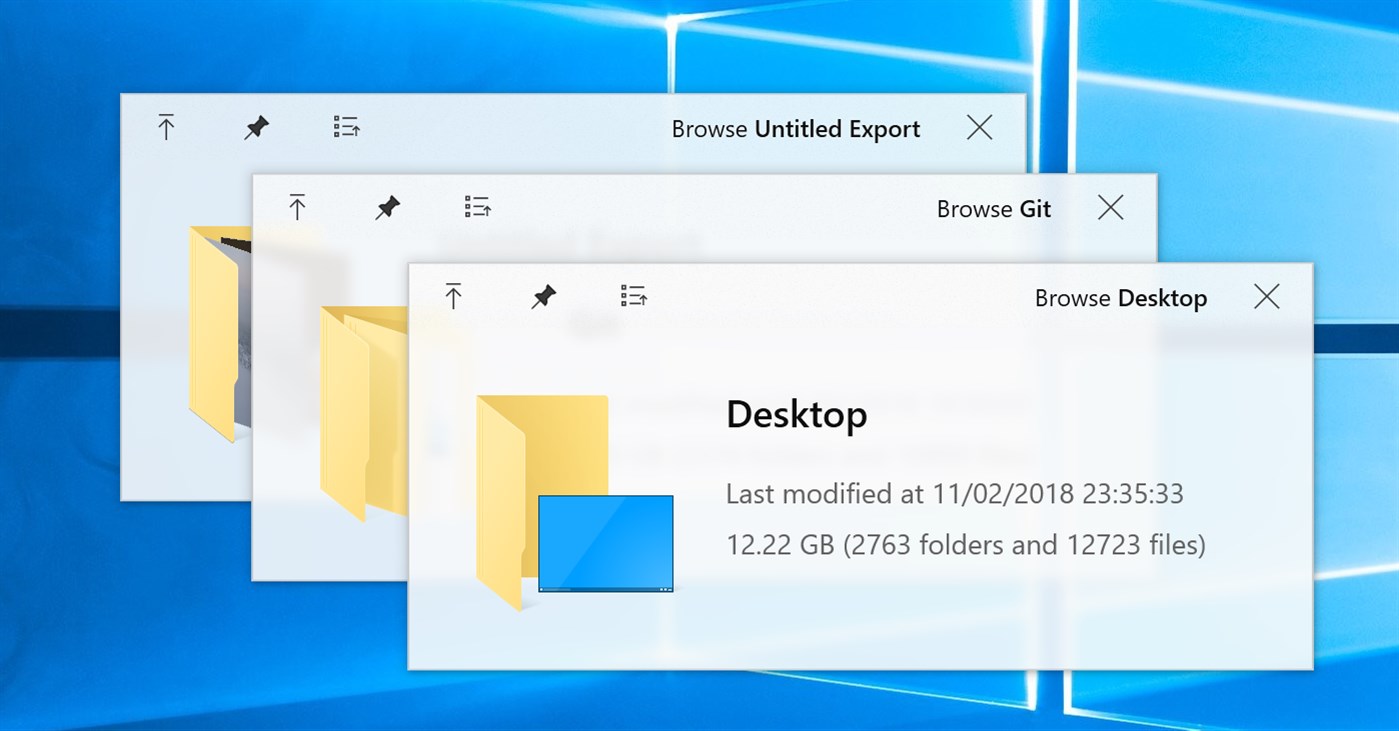
Background
One of the few features I missed from macOS is Quick Look. It allows users to peek into a file content in lightning speed by just pressing the Space key. Windows, on the other hand, does not have this handy feature ... until now!
I am aware that several alternatives are already available on the Internet (e.g. WinQuickLook and Seer). Despite these options, I still decided to craft another one by myself, because they are either not being actively developed, lack of variety, or ask for some 💵.
Highlights
- Tons of supported file types (full list here)
- Fluent design
- Touchscreen friendly
- HiDPI support
- Preview from Open and Save File Dialog
- Preview from 3rd-party file managers (see a list here)
- Easily extended by plugins
- Strict GPL license to keep it free forever
Usage
Download/Installation
Get it from one of the following sources:
- Microsoft Store (Windows 10 users only, no preview in open/save-dialogs available)

- Installer or portable archive of the stable version from GitHub Release
- Nightly builds from AppVeyor
What are the differences between .msi, .zip, Nightly and Store versions?
Note: Don't forget to check out the plugins for previewing office-files, epubs, fonts and more!
Typical usecase
- Run
QuickLook.exe(only necessary if autostart is disabled) - Select any file or folder (on the Desktop, in a File Explorer window, in an Open or Save-File dialogue, doesn't matter)
- Press Spacebar
- Enjoy the preview and interact with it
- Preview next file by clicking on it or using arrow-keys (arrow-keys move selection in the background if the preview window is not in focus)
- When you're done close it by either hitting Spacebar again, pressing Esc or clicking the
⨉button
Hotkeys and buttons
- Spacebar Show/Hide the preview window
- Esc Hide the preview window
- Enter Open/Execute current file
- Mouse ↑ ↓ ← → Preview another file
- Mouse Wheel Zoom in/out (images)
- Ctrl+Mouse Wheel Zoom in/out (PDFs)
- Wheel Increase/decrease volume
Supported file types, file manager integration, etc.
See the Wiki page
Translations
See the Translation guide
Thanks to
- Many open-source projects and their contributors
- Our UI designers @OiCkilL (“Fluent” user interface since v0.3), @QubitsDev (app-icon v0.3-v3.6.9) and Donno (app-icon since v3.6.10)
- Our contributers who
- teach QuickLook to speak your language
- send pull requests, report bugs or give suggestions
- ... and you 😊
Licenses

This project references many other open-source projects. See here for the full list.
All source codes are licensed under GPL-3.0.
If you want to make any modification on these source codes while keeping new codes not protected by GPL-3.0, please contact me for a sublicense instead.