 f3fc0bdbe5
* docs: sync English README with Chinese version

- Update English README to match Chinese README content
- Translate core features, usage, and other sections
- Keep existing formatting and structure

* docs: add Indonesian, Thai, Vietnamese README and update navigation links

- Add README_id.md (Bahasa Indonesia)
- Add README_th.md (ไทย)
- Add README_vi.md (Tiếng Việt)
- Update navigation links in README.md and README_en.md

This PR adds support for Southeast Asian languages to improve accessibility for users in Indonesia, Thailand, Vietnam and other ASEAN countries.

* Update README_id.md

Co-authored-by: Copilot <175728472+Copilot@users.noreply.github.com>

* Update README_id.md

Co-authored-by: Copilot <175728472+Copilot@users.noreply.github.com>

* fix: correct HTML syntax errors in translated README files

- Fix img tag syntax in README_id.md (line 146)
- Fix img tag syntax in README_th.md (lines 31, 136)

* docs: add missing sections to match Chinese version

- Add RoadMap section (💡 RoadMap)
- Add Join Us section (🏘️ Join Us)
- Add Others section (👀 Others)
- Apply to all 4 language versions (EN, ID, TH, VI)

* fix: rewrite README_en.md to match Chinese version exactly

- Fix duplicate content issue
- Ensure complete alignment with Chinese README
- Add all sections: Roadmap, Development, Join Us, Others, etc.

* docs: complete rewrite all translations to match Chinese exactly

- Rewrite README_en.md (English)
- Rewrite README_id.md (Indonesian)
- Rewrite README_th.md (Thai)
- Rewrite README_vi.md (Vietnamese)

All translations now strictly aligned with Chinese version:
- Quick Start
- Usage
- Core Features
- Our Projects & Links
- Third-party Ecosystem
- Community
- Contributors
- Star History
- License

* docs: rewrite English README to exactly match Chinese version

Sections (9 total, aligned with CN):
1. Quick Start
2. 🛸 Usage
3. 💡 Core Features
4. 💪 Our Projects & Links
5. 🌿 Third-party Ecosystem
6. 🏘️ Community
7. 🤝 Contributors
8. 🌟 Star History
9. License

* fix: correct translations to align with Chinese README

- Translate badge text from Chinese to respective languages (id/th/vi)
- Translate '返回顶部' (Back to Top) buttons to respective languages
- Fix mixed Chinese text in Indonesian README ('提交')
- Translate 'Assisted workflow generation' in all new files
- Translate 'Hybrid retrieval & reranking' in all new files
- Fix anchor links to match actual heading text
- Fix redundant 'open source license' in English README
- Keep README.md changes minimal (language links only)

* fix: rewrite Japanese README to align with Chinese version

- Complete rewrite to match current Chinese README structure
- Translate all badge text to Japanese
- Update description from 'knowledge base Q&A system' to 'AI Agent building platform'
- Add all 9 sections matching Chinese version
- Update language links to include all 6 languages
- Remove outdated sections (Development, Others, etc.)

---------

Co-authored-by: Developer <dev@example.com>
Co-authored-by: Copilot <175728472+Copilot@users.noreply.github.com>
Co-authored-by: OpenClaw Bot <bot@openclaw.ai>
14 KiB

FastGPT
English | 简体中文 | Bahasa Indonesia | ไทย | Tiếng Việt | 日本語
FastGPT เป็นแพลตฟอร์มสำหรับสร้าง AI Agent ที่มีความสามารถพร้อมใช้งานสำหรับการประมวลผลข้อมูลและการเรียกใช้โมเดล นอกจากนี้ยังสามารถจัดระเบียบ workflow ผ่านการแสดงภาพ Flow เพื่อให้บรรลุสถานการณ์การใช้งานที่ซับซ้อนได้!




https://github.com/labring/FastGPT/assets/15308462/7d3a38df-eb0e-4388-9250-2409bd33f6d4
เริ่มต้นอย่างรวดเร็ว
คุณสามารถเริ่มต้น FastGPT ได้อย่างรวดเร็วโดยใช้ Docker รันคำสั่งต่อไปนี้ในเทอร์มินัลและทำตามคำแนะนำเพื่อดึงการกำหนดค่า
# รันคำสั่งเพื่อดึงไฟล์การกำหนดค่า
bash <(curl -fsSL https://doc.fastgpt.cn/deploy/install.sh)
# เริ่มบริการ
docker compose up -d
เมื่อเริ่มต้นสมบูรณ์แล้ว คุณสามารถเข้าถึง FastGPT ที่ http://localhost:3000 บัญชีเริ่มต้นคือ root และรหัสผ่านคือ 1234
หากคุณพบปัญหา คุณสามารถ ดูบทแนะนำการติดตั้ง Docker ฉบับสมบูรณ์
🛸 วิธีการใช้งาน
-
เวอร์ชันคลาวด์
หากคุณไม่ต้องการติดตั้งแบบส่วนตัว คุณสามารถใช้บริการคลาวด์ของเราได้โดยตรงที่: fastgpt.io -
เวอร์ชันโฮสต์ตัวเองของชุมชน
คุณสามารถติดตั้งได้อย่างรวดเร็วโดยใช้ Docker หรือใช้ Sealos Cloud เพื่อติดตั้ง FastGPT ด้วยคลิกเดียว -
เวอร์ชันพาณิชย์
หากคุณต้องการคุณสมบัติที่สมบูรณ์มากขึ้นหรือการสนับสนุนบริการเชิงลึก คุณสามารถเลือก เวอร์ชันพาณิชย์ นอกจากการให้ซอฟต์แวร์ที่สมบูรณ์ เรายังให้คำแนะนำการนำไปใช้สำหรับสถานการณ์เฉพาะ คุณสามารถส่งปรึกษาธุรกิจ
💡 คุณสมบัติหลัก
 |
 |
 |
 |
1 ความสามารถในการจัดระเบียบแอปพลิเคชัน
- โหมด Agent วางแผน
- Workflow สนทนา, workflow ปลั๊กอิน, รวมถึงโหนด RPA พื้นฐาน
- การโต้ตอบกับผู้ใช้
- MCP สองทิศทาง
- สร้าง workflow อัตโนมัติ
2 ความสามารถในการดีบักแอปพลิเคชัน
- การทดสอบการค้นหาฐานความรู้แบบจุดเดียว
- ข้อมูลอ้างอิงระหว่างการสนทนาพร้อมความสามารถในการแก้ไขและลบ
- บันทึกห่วงโซ่การเรียกใช้แบบสมบูรณ์
- การประเมินแอปพลิเคชัน
- โหมดดีบัก DeBug การจัดระเบียบขั้นสูง
- บันทึกโหนดแอปพลิเคชัน
3 ความสามารถของฐานความรู้
- การใช้ฐานข้อมูลหลายฐานซ้ำและผสม
- การแก้ไขและลบบันทึก chunk
- รองรับการป้อนข้อมูลด้วยตนเอง การแบ่งส่วนโดยตรง การนำเข้า QA แบบแยก
- รองรับ txt, md, html, pdf, docx, pptx, csv, xlsx (เพิ่มเติมได้โดย PR), รองรับการอ่าน URL และการนำเข้า CSV จำนวนมาก
- การค้นหาแบบผสมและการจัดอันดับใหม่
- ฐานความรู้ API
- การสลับโมดูล RAG แบบร้อน
4 อินเทอร์เฟซ OpenAPI
- อินเทอร์เฟซ completions (สอดคล้องกับโหมดแชท GPT)
- CRUD ฐานความรู้
- CRUD การสนทนา
- อินเทอร์เฟซ OpenAPI อัตโนมัติ
5 ความสามารถในการดำเนินงาน
- หน้าต่างแชร์โดยไม่ต้องเข้าสู่ระบบ
- การฝัง Iframe คลิกเดียว
- การตรวจสอบบันทึกการสนทนาแบบรวมพร้อมการใส่คำอธิบายข้อมูล
- บันทึกการดำเนินงานแอปพลิเคชัน
6 อื่นๆ
- การกำหนดค่าโมเดลแบบภาพ
- รองรับการป้อนเสียงและเอาต์พุต (กำหนดค่าได้)
- คำแนะนำการป้อนข้อมูลแบบคลุมเครือ
- ตลาดเทมเพลต

💪 โปรเจกต์และลิงก์ของเรา
- เริ่มต้นพัฒนาในเครื่อง
- เอกสาร OpenAPI
- FastGPT-plugin
- AI Proxy: บริการ Load Balancing การรวมโมเดล
- Laf: เข้าถึงแอปพลิเคชันของบุคคลที่สามใน 3 นาที
- Sealos: การติดตั้งแอปพลิเคชันคลัสเตอร์อย่างรวดเร็ว
🌿 ระบบนิเวศของบุคคลที่สาม
- AI Proxy: บริการรวมโมเดลขนาดใหญ่
- SiliconCloud - แพลตฟอร์มประสบการณ์โมเดล Open Source ออนไลน์
- PPIO: เรียกใช้ API โมเดล Open Source ราคาประหยัดและ GPU Container
🏘️ ชุมชน
เข้าร่วมกลุ่ม Feishu ของเรา:
🤝 ผู้มีส่วนร่วม
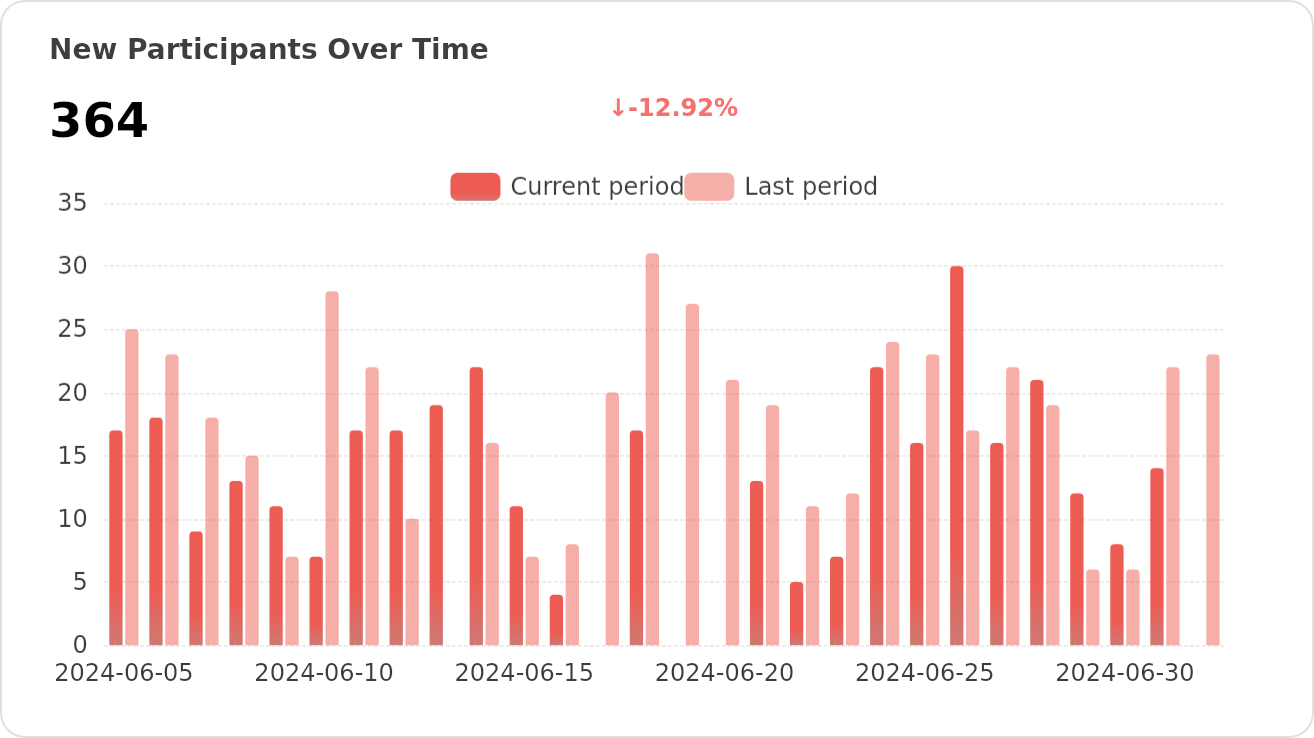
เรายินดีต้อนรับการมีส่วนร่วมในรูปแบบต่างๆ หากคุณสนใจการมีส่วนร่วมในโค้ด ดู Issues บน GitHub ของเราและแสดงความคิดที่ยอดเยี่ยมของคุณ!
|
|
|
|---|---|
|
|
|
|
🌟 Star History
ใบอนุญาต
ที่เก็บนี้ปฏิบัติตาม FastGPT Open Source License
- อนุญาตให้ใช้เชิงพาณิชย์เป็นบริการแบ็กเอนด์ แต่ไม่อนุญาตให้ให้บริการ SaaS
- บริการเชิงพาณิชย์ใดๆ ที่ไม่มีการอนุญาตเชิงพาณิชย์ต้องเก็บข้อมูลลิขสิทธิ์ที่เกี่ยวข้องไว้
- โปรดดู FastGPT Open Source License สำหรับรายละเอียดฉบับเต็ม
- ติดต่อ: Dennis@sealos.io, ดูราคาพาณิชย์